Geocoding Example
After we downloaded the Sentinel 1 Files with ds1.download we want to geocode all the files automatically. Thus,
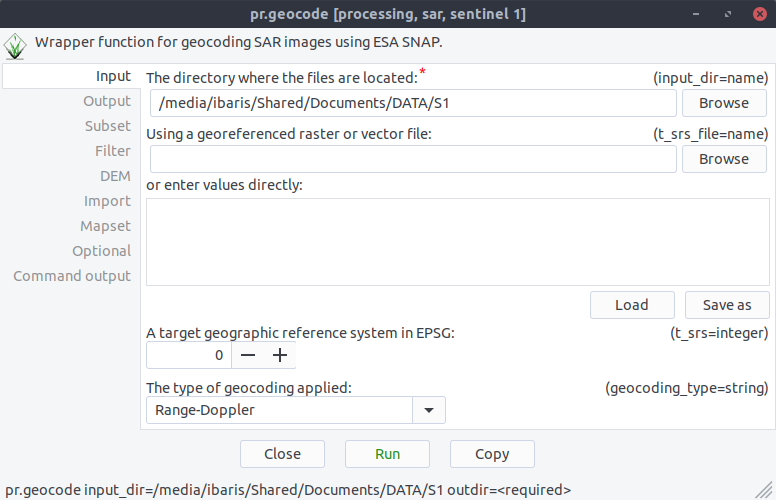
we start with command pr.geocode the geocode GUI. Now we can specify our directory where the sentinel data are:
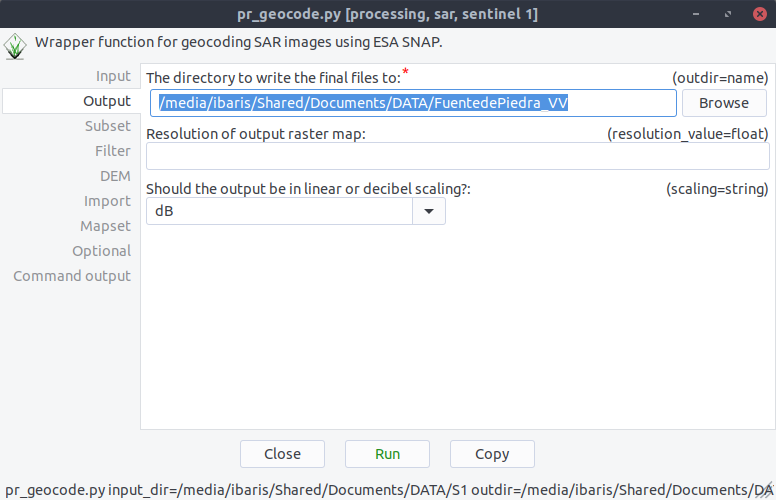
After these we specify our output directory:
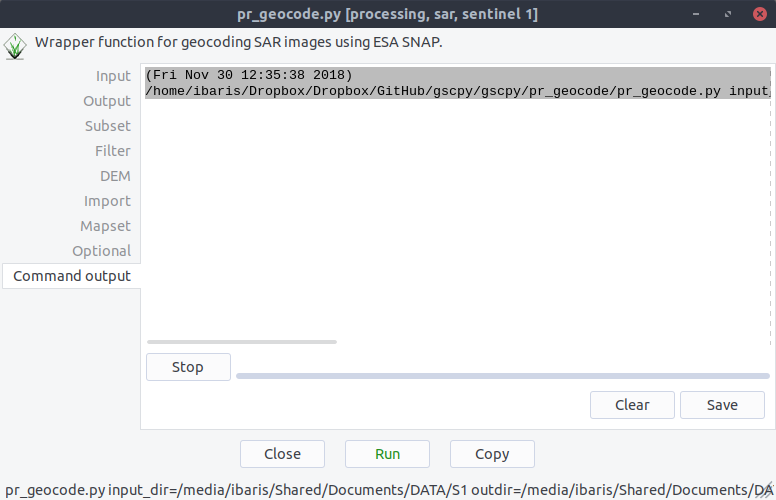
if we click on Run now the geocode processing will run with ESA´s SNAP software:
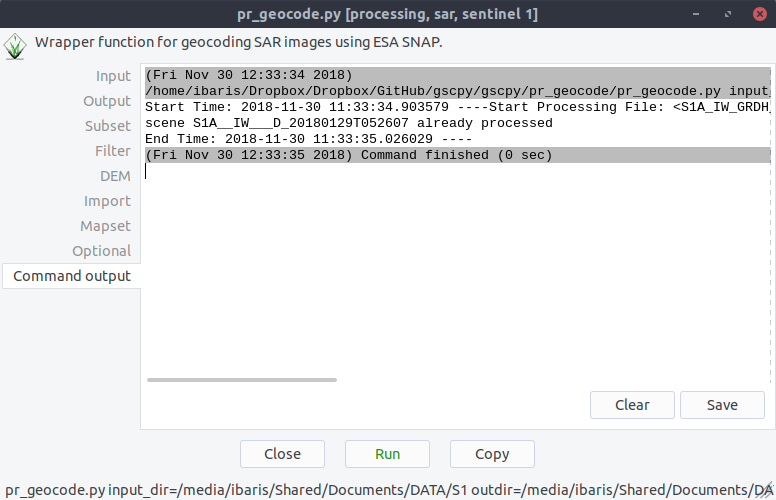
If there is any scene that is already processed the pr.geocode module will skip these files: